4.9★ Google
#1 CHOICE rated*
How it works
Step 1
Submit straight from the FetchPay™ Portal with one click uploads*
*On supported Practice Management Systems (PMS)
Step 2
We check cover within 15 minutes*
Mon-Fri 8am-8pm, Sat 8am-5pm, Sun 8am-1pm (Australian Eastern Time).
*Where pre-existing checks are set up
Step 3
Your client pays their share in-app
Their excess, contribution, and anything not covered - all settled on their phone.
Step 4
Fetch pays you the full invoice
The whole amount lands in your account. No processing or card fees here.
"Really pleased with Fetch. Better value cover, and you can actually understand it."
Mini & Naomi

Questions vets ask
Who's Fetch?
Who's Fetch pet insurance?
Hey 👋 we’re Fetch, a team of vets, techies, and insurance pros building amazing insurance 💚 and a go-to pet health app 📲. With experience caring for 1,000,000+ pets, all our team have backgrounds in pet health as vets or vet nurses, or with leading insurers around the world. We launched in 2023 and have already become the highest-rated pet insurance on ProductReview with a 4.9 ⭐️ rating.
We’ve created a super simple, easy-to-understand PDS with great cover. We can pay you directly so your client isn’t out of pocket. That's all powered by FetchPay™, our vet-submitted claims and direct payment service, run through the FetchPay™ Portal. It works for any PMS, with PMS integrations on top for one-click submissions straight from your system, currently live for RxWorks, Ascend, and Petbooqz, with more on the way. Interested? Let us know at vetpartnerships@fetchpet.au.
We're backed by a strong team of Aussie and international investors, including Airtree (https://www.airtree.vc/), vets, insurance CEOs, pet retailers, brand and marketing experts, start-up founders, and tech leaders. We have our own Australian Financial Services Licence (AFSL No 540762), and our insurance is underwritten by Pacific International Insurance Pty Ltd (https://www.pacificins.com.au/) (ABN 83 169 311 193).
We’re backed by a strong team of Aussie and international investors, including Airtree, vets, insurance CEOs, pet retailers, brand and marketing experts, start-up founders, and tech leaders. We have our own Australian Financial Services Licence (AFSL No 540762), and our insurance is underwritten by Pacific International Insurance Pty Ltd (ABN 83 169 311 193).
What is FetchPay™?
FetchPay™ allows vet clinics to submit claims and pre-approvals on behalf of Fetch customers and receive payment directly from Fetch. It works with any practice management system (PMS) through the FetchPay™ Portal. If your PMS is integrated with FetchPay™, you can submit claims directly from your PMS, with one-click history and invoice uploads available through the FetchPay™ Portal.
When you submit a FetchPay™ claim, we'll assess it in around 15 minutes during FetchPay™ hours (Mon-Fri 8am-8pm, Sat 8am-5pm, Sun 8am-1pm Australian Eastern Time), provided the patient's pre-existing checks have been completed. Once we've checked their cover, your client pays their contribution in the Fetch app and Fetch pays the full invoice amount directly to your clinic via NPP in real time, with no processing or card fees.
I'm set up on FetchPay™ already, how do I get to the FetchPay™ Portal?
If you're set up on FetchPay™ already, you'll be able to log in at https://vet.fetchpet.com.au/sign-in. If you haven't set up already, you can get started at https://vet.fetchpet.com.au/get-started.
If a new client visits my clinic, will FetchPay™ work?
Your client just needs to add you as their vet in the Fetch app, and then you'll be able to proceed with a FetchPay™ claim, provided they've completed their pre-existing conditions check, we're within FetchPay™ hours, and the pet is linked to your system. Still not seeing it? Jump onto chat via our website or in the FetchPay™ Portal, we'll get it sorted for you quickly.
What if my client leaves before Fetch has finished checking cover?
No stress, you’ll be able to track the outcome of the claim on the FetchPay™ Portal. Once their cover is checked, the client can pay their contribution in-app and we’ll pay you the full bill once they pay. You can follow up with them once the cover check has finished and they can either pay you directly (if it’s not covered), or pay us on their Fetch app (regardless of outcome) and we’ll pay you the full bill.
How do I get FetchPay™ support?
Quickest path is chat on our website - just mention "I'm a vet" and we'll route you straight to the right team.
For non-urgent questions, email vetpartnerships@fetchpet.au.
What Practice Management Systems (PMS) work with FetchPay™?
Good news, the FetchPay™ Portal works for every PMS.
You can submit claims and pre-approvals, track claim status, manage your payment details and link patients via the FetchPay™ Portal regardless of what PMS you use. The bit that's PMS-specific is the integration on top, which lets you submit claims straight from your PMS and use one-click history/invoice uploads. Currently, this is available for RxWorks, Ascend, and Petbooqz.
If your PMS isn't integrated yet, we'll let you know as soon as it's ready. In the meantime, you can still use the FetchPay™ Portal and your clients can also claim through the Fetch app as normal.
How do claims work?
How do I submit a pet insurance pre-approval?
There are two ways a pre-approval can be submitted:
Option 1: Your client submits it in the Fetch app 📲
1. Client requests pre-approval: The pet parent starts a new pre-approval in their Fetch app and lets us know it's with you.
2. Receive pre-approval request: We'll get in touch to ask for the clinical notes and estimated costs. We'll let you know if we need any more info.
3. Process pre-approval: If you're happy for us to pay you directly, the client has pre-existing checks set up, and it's within our opening hours, we can work out the cover while you're at the vet.
Option 2: You submit it via the FetchPay™ Portal
Head to the 'Submit a pre-approval' page in the FetchPay™ Portal and upload the finalised medical history and estimate, specifying the dates the pre-approval is for. This applies regardless of whether your PMS is integrated. Vet-initiated pre-approvals straight from your PMS are on the way, we'll let you know when they're live.
After treatment:
We can change the pre-approval to a claim. Please send us the updated invoice and medical notes and we'll process this for your client. You'll receive the full amount directly from us once the pet parent pays their contribution in-app. If not, we'll reimburse your client directly after deducting their contribution. Please note things can change between pre-approval and claim, like treatment type or cause, which can affect the claim outcome. Pre-approvals are valid for 28 days.
How do I submit a pet insurance claim?
There are two ways, depending on whether your clinic is on FetchPay™.
If your clinic is on FetchPay™
1. Finalise in your PMS: Write up the patient's history and prep the invoice as you would for any visit.
2. Submit the claim: A few clicks straight from your PMS (if integrated) or via the FetchPay™ Portal – no portal upload or email needed if integrated. As long as the patient's pre-existing checks are done and it's within FetchPay™ hours, we'll work out the cover in real-time, usually in around 15 minutes.
3. We're flexible to suit you: Your client can wait in your waiting room until we get back to you, head home and pay their contribution in-app once we've checked (we'll pay you as soon as they do), or pay you a deposit or the full bill upfront and we'll settle any difference with them. Nothing to chase or refund from your end either way, and totally up to you.
4. We pay you: Once your client has paid their contribution in-app, we pay the rest of the invoice directly to your clinic – in real-time, on NPP, no fees.
If submitted outside FetchPay™ hours or before the patient's pre-existing checks are done, the claim still goes through but falls back to the normal claims journey, you'll be notified via email and on the FetchPay™ Portal.
If your clinic isn't on FetchPay™ yet
1. Client lodges claim: Your client can start a new claim in their Fetch app 📲 and let us know it's with you.
2. Receive claim request: You'll get an email from us requesting an invoice and clinical notes.
3. Process claim: If you're happy for us to pay you directly, your client has pre-existing checks set up, and it's within our opening hours, we can work out the cover while your client is in your waiting room. You'll receive the full invoice payment directly from us once they pay their contribution in-app. If not, we'll reimburse them directly after deducting their contribution.
Can Fetch pet insurance pay vets directly?
If your clinic is on FetchPay™ – direct payments are built in.
Submit the claim straight from your PMS (if integrated) or through the FetchPay™ Portal once you've finalised the history and invoice.
Your client pays their contribution in-app and Fetch pays the rest of the invoice directly to your clinic in real-time during FetchPay™ hours (Mon–Fri 8am–8pm, Sat 8am–5pm, Sun 8am–1pm AET), on NPP, with no fees.
The pet will need their pre-existing checks done for the 15-minute cover check.
How do Fetch pre-existing checks work?
Fetch pre-existing checks is designed to make the claims process quick and easy for you and your client. Here’s how it works:
When a pet joins Fetch, we ask the pet parent every vet they've visited and collate their vet history to identify any pre-existing conditions. This helps them know their pet’s cover upfront.
Sometimes this process can take a little time while we gather all the pet's medical records for each of their vets.
Does Fetch cover online pharmacy claims?
If you provide a client with a prescription for an online pharmacy 💊, we’ll cover the medication and the prescription fee, as long as it relates to a covered condition. To process the clients claim, they'll need to submit the pharmacy invoice and a copy of the prescription.
For more details, see How do I submit a claim?
How do claims work if a pet is referred to a different vet or specialist?
If you refer your client to another vet 👩⚕️, such as a specialist, we’ve made the process easy for both of you. Your client can make a new claim in their Fetch app 📲, just like they would with you, and we’ll take care of contacting the new vet to process the claim.
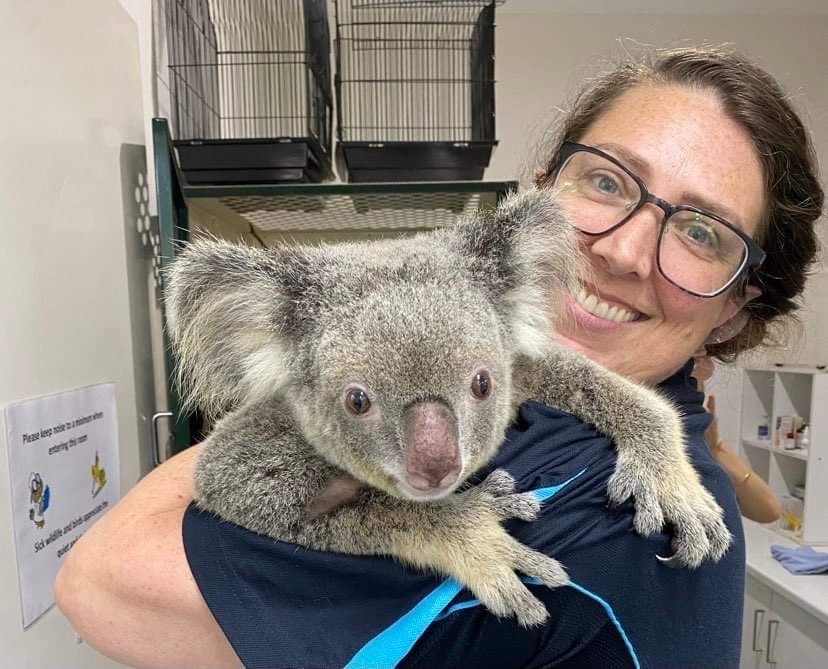
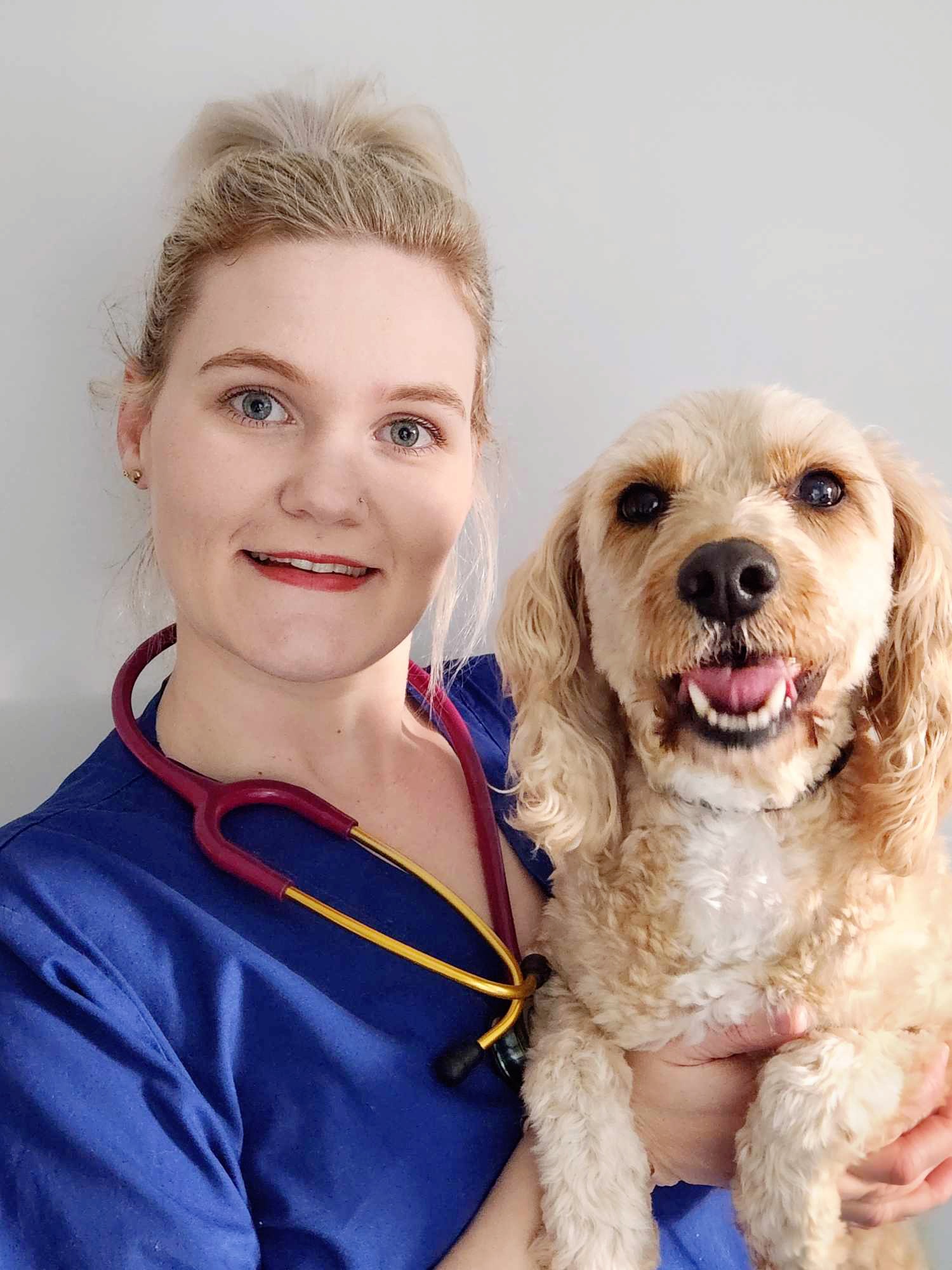
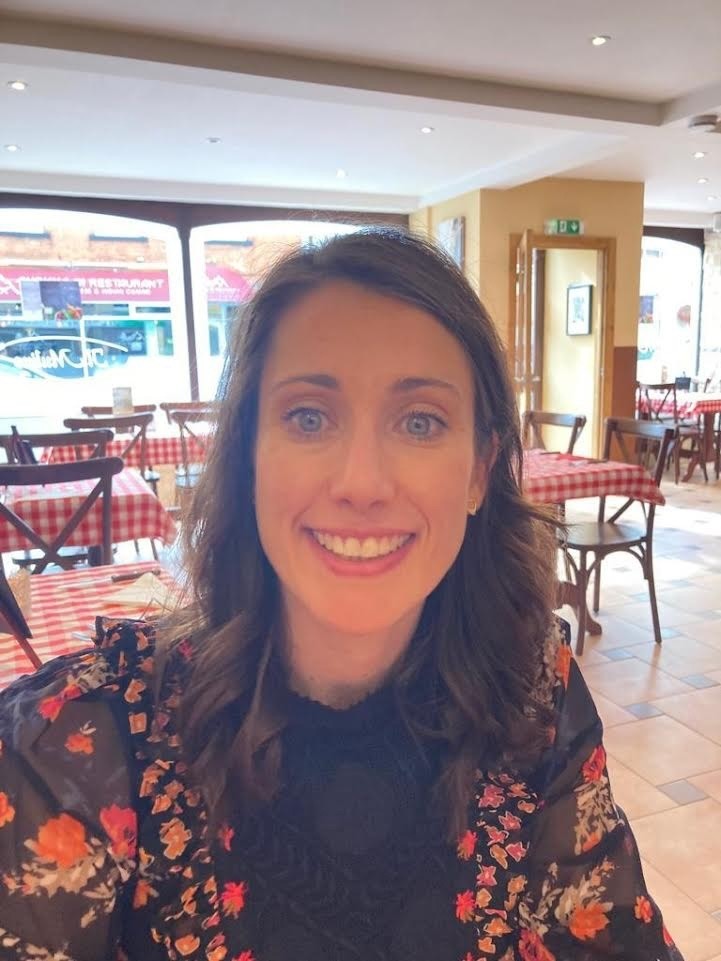
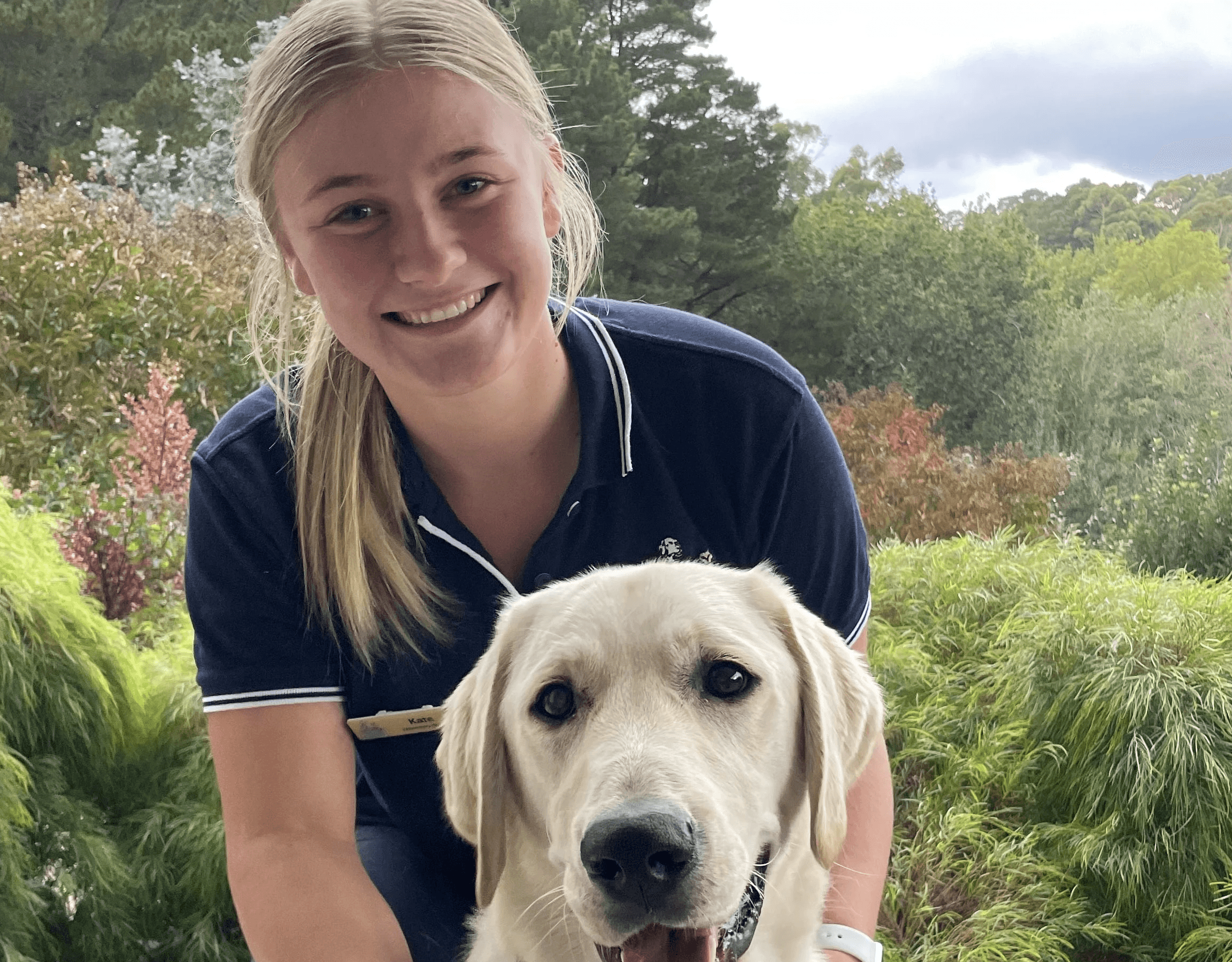
Meet the Fetch veterinary team